Why I Refactored and Redesigned My Photography Website
A look at how and why I rebuilt my photography site to feel calmer, faster, and more focused on the work.
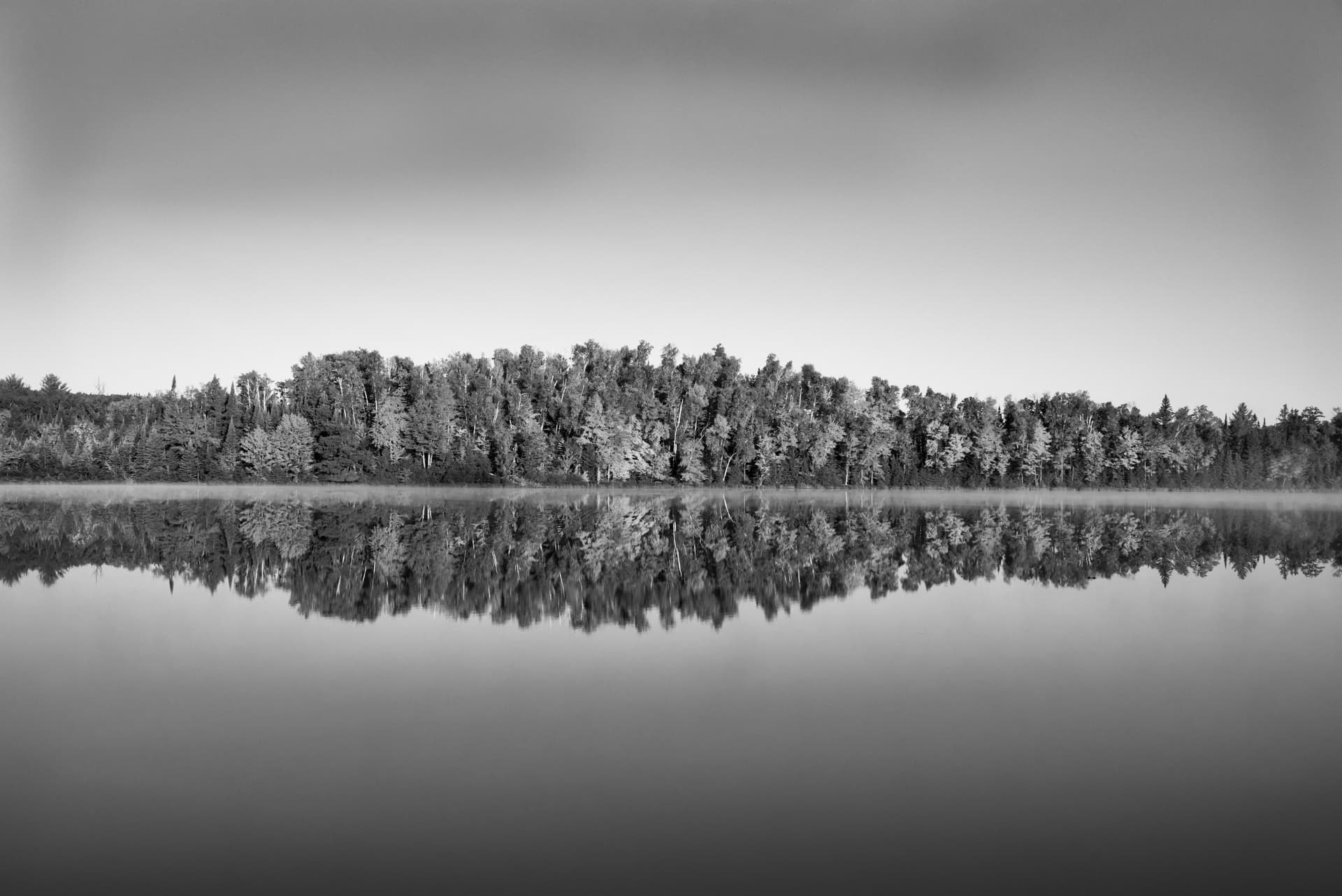
For a long time my website felt more like a filing cabinet than a place.
It did the basic job of being "a portfolio on the internet," but it didn’t really invite anyone to stay. The galleries were a little stiff, the navigation was busier than it needed to be, and on a slower connection you could feel the page weight.
This post is a quick tour of why I decided to refactor and redesign the site, and what changed under the hood and on the surface.
What wasn’t working
A few things kept bothering me every time I looked at the old version:
- Too many small decisions for visitors. There were lots of links and categories, but not much guidance about where to start.
- Galleries that didn’t breathe. Images were there, but they weren’t given enough space or a satisfying way to move through them.
- Text tacked on at the edges. Writing felt like an afterthought instead of a first-class citizen.
- Performance that was fine on my machine, less so on a phone. The site worked, but it wasn’t as quick or as smooth as it could be.
Individually, none of these were disasters. Together, they added up to a site that didn’t quite match the kind of photographs I’m trying to make now.
The goals for the new site
Before touching any code, I wrote down a short list of goals:
- Feel calmer. Fewer distractions, more white space, and typography that feels closer to a book than a brochure.
- Make it easy to get to the photographs. Fewer clicks between the homepage and a large, clean view of an image.
- Work beautifully on phones. Most people will first see the site on a small screen; the experience there has to be first-class.
- Treat writing as part of the work. Essays like the Craig Roberts post shouldn’t feel bolted on; they should live comfortably next to the images.
Those goals became the filter for every design and technical decision that followed.
Design changes you can see
The most obvious changes are visual:
- Simpler navigation. The header now focuses on the essentials: portfolio, blog, about, and contact. No more hunting through menus just to see the work.
- Bigger, cleaner galleries. Images sit in a responsive grid and open into a lightbox that lets you linger on a single photograph, step through a sequence, or quickly jump around.
- A more print-like reading experience. Blog posts use a calmer typographic scale and wider line spacing, so longer pieces are easier to read without feeling like a wall of text.
None of this is about being flashy. The redesign is more about getting out of the way so the photographs and words can do their job.
Under the hood (without too much jargon)
On the technical side, I refactored the site to make it easier to maintain and faster for visitors:
- Better image handling. Galleries and the portfolio now lean on an image manifest and optimized image delivery, so photos load quickly and still look good at larger sizes.
- A more structured codebase. Components for layout, navigation, galleries, and MDX content live in predictable places, which makes future changes less fragile.
- MDX for content. Blog posts and certain text-heavy pages are written in MDX, which lets me mix writing and simple components (like photos or callouts) in a single file.
The goal here wasn’t to chase the latest technology for its own sake. It was to reduce friction: for visitors loading pages, and for me when I want to add or change something.
Rethinking the role of the site
The redesign also came with a shift in how I think about where my work lives online.
Social platforms are still useful for sharing in-the-moment images, but this site is now the home base. It’s where I can:
- Present projects and galleries the way I want them sequenced.
- Write longer pieces about process, influences, and specific photographs.
- Keep a stable archive that isn’t at the mercy of an algorithm or a new layout.
Places like Instagram, Flickr, 500px, and Medium are now satellites that point back here, rather than the other way around.
What’s different for visitors
If I’ve done my job, visiting the site now should feel more like walking into a quiet space than opening a busy app.
You can move from the homepage into a gallery or a single photograph with fewer distractions. The lightbox lets you see images large, with captions and technical details when they’re helpful, and tools to copy a link or share a favorite.
On the writing side, posts like the Craig Roberts piece aim to be reflective rather than clicky—more personal notes on what shapes my photography than "top 10" lists.
What I learned from refactoring
A few lessons stood out from this rebuild:
- Start with feeling, not features. Asking how I wanted the site to feel led to better decisions than starting with a list of shiny tools.
- Small details add up. Things like spacing, typography, and how a lightbox behaves matter as much as headline features.
- Refactors are never just technical. Every time I changed the structure of the site, it nudged me to think harder about how I present my work.
This won’t be the last redesign, but it’s a version that feels much closer to the photographs I want to make and share.
If you have thoughts—about the new layout, the galleries, or the writing—I’d love to hear them. The site will keep evolving, and so will the work it holds.